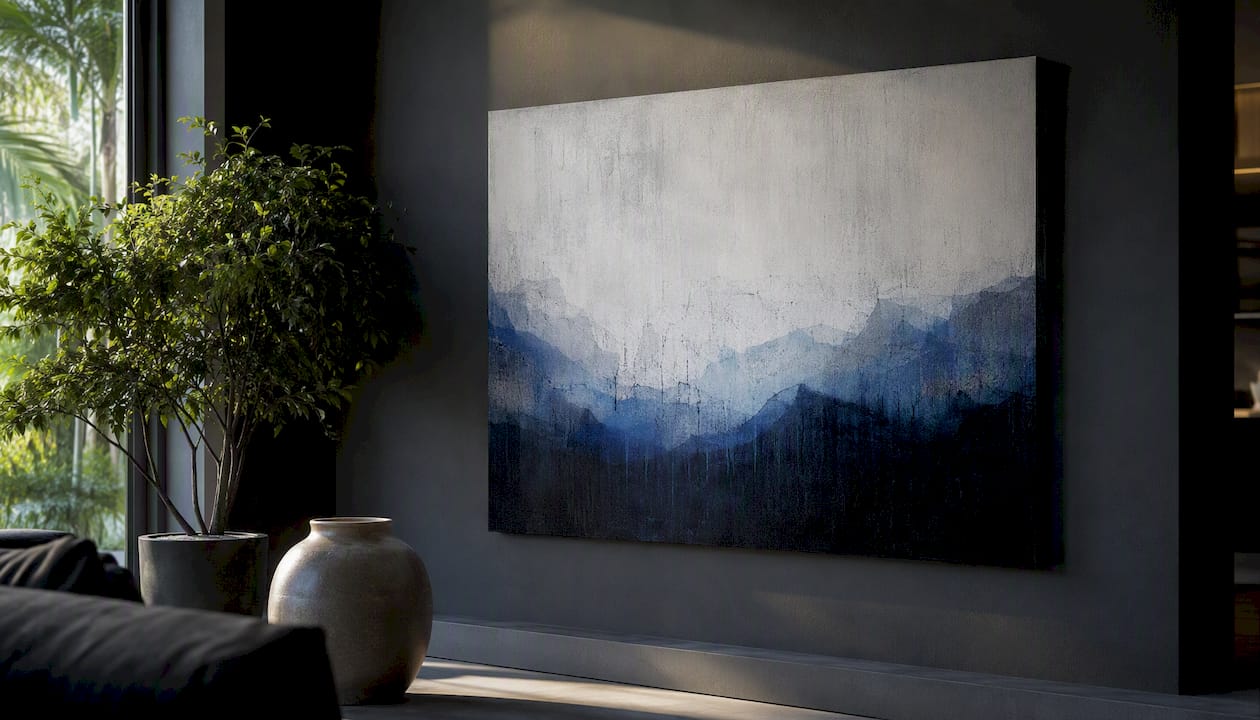
The fastest path to quality digital art pictures runs through four source types: free stock libraries like Unsplash, curated portfolio platforms like Behance, commercial stock marketplaces, and direct artist shops or print-on-demand stores. Before you download or buy anything, run three checks:
- License: Does the image cover your intended use — personal, editorial, or commercial?
- Resolution/DPI: Is the file large enough to print at your target size without going soft?
- Provenance: Can you trace the work to a named artist or verified source?
Skip any one of those and you risk a copyright headache, a blurry print, or both. Tate defines digital art as work where digital technology is an essential part of the creative process — a useful baseline when you’re deciding whether a piece is hand-crafted, algorithmic, or somewhere in between.
Key Takeaways
The most reliable path from browsing to a finished print is: verify the license, confirm the resolution, and choose a source that matches your end use — whether that’s a free download, a licensed file, or a ready-to-hang canvas.
| Point | Details |
|---|---|
| Check license before downloading | Confirm personal, editorial, or commercial coverage — platform terms and contributor terms can differ. |
| Resolution rule for print | 300 DPI is the standard; a 16×20 print needs at least 4800×6000 pixels at that setting. |
| Save layered source files | Export a flat TIFF or JPEG for the printer, but keep the layered PSD or Procreate file for future resizing. |
| Verify authenticity before buying | Reverse-image search the file and check the artist’s profile history for process posts and edition records. |
| Luxuryartcanvas for ready-to-hang prints | Over 1,000 archival canvas designs in graffiti and pop art styles, made in the USA, ship ready to mount. |
Table of Contents
- Where can you find digital art pictures online?
- What are the main types of digital art and how do you search for them?
- How do you choose the right digital art picture for your purpose?
- How do you turn your own photos into digital art?
- What file specs do you need for a quality canvas print?
- How do you verify that a digital artwork is authentic and original?
- What does digital art actually cost?
- Best practices for downloading and organizing your digital art files
- Why the way you hang digital art matters more than the image itself
- Luxuryartcanvas: ready-to-hang canvas prints for digital art buyers
- Sources
Where can you find digital art pictures online?
Source type matters more than most people realize. Each category serves a different need, and mixing them up wastes time.
- Free stock libraries (Unsplash, Pixabay): Good for inspiration and noncommercial mockups. Unsplash hosts hundreds of downloadable artistic digital images, but contributor license terms vary — always read the individual image page, not just the platform’s general policy.
- Curated portfolio platforms (Behance, ArtStation): Best for discovery and direct artist contact. Behance showcases diverse creative digital artwork across illustration, 3D, and generative styles. If you want to license a high-resolution file or commission a variation, messaging the artist directly through their profile is the most reliable route.
- Commercial stock marketplaces (Adobe Stock, Getty Images): Broad catalogs with clearly scoped licenses — royalty-free commercial, editorial-only, extended licenses. Pricing is higher, but the paperwork is cleaner.
- Direct artist shops and print-on-demand stores: Platforms like DeviantArt let artists sell premium downloads and prints with direct licensing support. You get provenance, a named creator, and often a print-ready file.
- Galleries and collectives: Useful for generative and AI art, where works often come in numbered editions. Check whether a piece is part of a series and whether the edition is documented.
- Inspiration boards (Pinterest): Fine for mood-boarding, but Pinterest does not host original files. Trace every image back to its source before assuming you can download or use it.
For readers who want a physical piece without managing files, Luxuryartcanvas offers a large selection of ready-to-hang canvas designs — graffiti, pop art, and luxury-brand-inspired styles — produced in the USA and shipped ready to mount.
What are the main types of digital art and how do you search for them?
Adobe groups digital art into five primary categories, each with distinct search terms and technical requirements:
- Digital painting and drawing: Search tags like digital painting, concept art, character design. These are raster files (PSD, TIFF, PNG) and scale poorly if the source resolution is low.
- Vector art: Search vector illustration, flat design, SVG art. Vectors scale to any size without quality loss — ideal for large prints or logos.
- 3D modeling and CGI: Tags include 3D render, CGI art, blender art. These are typically exported as high-resolution raster files; check the export resolution, not just the render quality.
- Photo manipulation and digital collage: Search photo art, surreal photography, composite art. Licensing gets complicated here — the underlying photos may carry separate rights.
- Generative and AI art: Tags like generative art, algorithmic art, AI illustration. Artists often release these in numbered series with edition-specific provenance. Confirm whether you’re buying a unique file or one of many.
Pro Tip: Vector files are the only format that truly scales without limits. If you plan to print at multiple sizes — say, a 12×16 for a bedroom and a 36×48 for a lobby — request or buy the vector source file, not just a raster export.
Style also affects licensing. Photo manipulations often require model and property releases for commercial use; purely digital paintings generally don’t.
How do you choose the right digital art picture for your purpose?
The right image for a phone wallpaper is almost never the right image for a 24×36 canvas print. Work through this checklist before you commit:
- Intended use: Screen display, social media, editorial publication, or physical print? Each has different resolution and license requirements.
- Print size and viewing distance: A 300 DPI file is the standard for close-up prints. Large murals viewed from 6+ feet can work at 100–150 DPI.
- Color profile: sRGB covers most screens and consumer printers. Adobe RGB captures a wider gamut and is worth requesting for fine-art or gallery prints.
- License scope: Personal use only, royalty-free commercial, or editorial-only? Check whether attribution is required and whether model or property releases are attached.
License quick guide:
- Free for personal use: No commercial applications, no resale, often no modification.
- Royalty-free commercial: Pay once, use in commercial projects — but check for seat or print-run caps.
- Requires attribution: Credit the artist in a visible location; format varies by platform.
- Model/property release required: Identifiable people or private property in the image need signed releases for commercial use.
Always confirm license terms on the source platform’s licensing page — platform-level terms and individual contributor terms can differ.
How do you turn your own photos into digital art?
The five-stage professional workflow used by illustrators at studios like Marvel maps cleanly onto a beginner’s photo-to-art conversion:
- Set a brief: Decide the style (painterly, graphic, surreal) and the output format (screen, print, social).
- Gather references: Pull 5–10 images that match your target style. Professional illustrators often build 3D maquettes or photo references to speed accurate painting.
- Rough sketch or block-in: In Photoshop or Procreate, rough out the composition over your photo on a separate layer.
- Refine and paint: Build up detail in passes. Keep each stage on its own layer — Adobe recommends non-destructive workflows so you can return to any stage without starting over.
- Export for purpose: Screen use gets a flattened sRGB JPEG or PNG. Print gets a high-resolution TIFF or layered PSD at 300 DPI minimum.
Tool options by step:
- Photoshop: Full control at every stage; best for complex compositing and print-ready export.
- Affinity Photo: Strong alternative at a lower price; handles RAW files and TIFF export well.
- Procreate (iPad): Excellent for painting and sketching; export as TIFF for print or PSD to continue in Photoshop.
- Adobe Illustrator / Inkscape: For vector-based stylization; Inkscape is free.
- AI-assisted filters (Neural Filters in Photoshop, Luminar Neo): Fast stylization, but output resolution can be limited — always check the pixel dimensions before printing.
Pro Tip: Save your layered source file (PSD or Procreate) before flattening for export. A flat JPEG is a dead end. The layered file lets you re-export at any size or adjust colors for a different print medium later.
What file specs do you need for a quality canvas print?
Getting the file right before you upload saves a reprint. Here are the minimum specs:
Pre-upload checklist:
- File format: TIFF or high-quality JPEG (quality 10+). PNG works for smaller sizes; avoid compressed web PNGs for large prints.
- Color profile: Convert to sRGB for most consumer labs; Adobe RGB for fine-art printers that request it.
- Bleed: Add 1.5–2 inches of image data beyond the crop marks so the wrap around the stretcher bar doesn’t cut into the composition.
- Flatten layers before upload unless the lab accepts layered files.
- Soft-proof in Photoshop using the lab’s ICC profile before submitting — screen colors and printed colors can shift noticeably, especially in saturated blues and reds.
Pro Tip: Order a small test print (8×10) before committing to a large canvas. Color calibration varies between labs, and catching a shift on a $15 print beats discovering it on a $200 canvas.
Archival-quality canvas prints use pigment-based inks rated for 75–100 years of fade resistance under normal display conditions. Stretched canvas on kiln-dried pine or spruce bars resists warping better than cheaper MDF-backed options.
How do you verify that a digital artwork is authentic and original?
Authenticity checks matter most when you’re buying, licensing commercially, or collecting. A few practical steps:
Reverse-image search the file using Google Images or TinEye before purchasing. If the same image appears under a different artist’s name on another platform, that’s a red flag worth investigating before you pay.
Check the artist’s profile history. A Behance or DeviantArt account with years of process posts, work-in-progress shots, and consistent style is harder to fake than a new account with a single polished upload. Tate notes that editioning and interactivity are important distinctions for collectors — ask whether the file is a unique work or one of a numbered edition, and request documentation.
For generative and AI art, provenance is especially important. Artists working in algorithmic series often publish edition records or blockchain certificates of authenticity. If none exist, treat the work as undocumented.
What does digital art actually cost?
Price ranges vary widely depending on source type, artist reputation, and license scope.
Free stock images (Unsplash, Pixabay) cost nothing but carry limited commercial rights. Commercial stock licenses for a single image typically run $10–$50 for standard royalty-free use, with extended licenses for merchandise or broadcast reaching several hundred dollars.
Direct artist purchases sit in a broader range. A digital print license from an emerging artist on a platform like DeviantArt might cost $5–$30. Established illustrators and concept artists charge $50–$500 or more for exclusive high-resolution files. Generative art editions with documented provenance can reach into the thousands, particularly for well-known series.
Physical canvas prints add production costs on top of the image license. Ready-to-hang canvases from specialty retailers typically start at affordable prices for smaller sizes and scale up with dimensions and framing options.
The biggest pricing factors: artist reputation, exclusivity of the license, resolution and file format included, and whether the piece is part of a documented edition.
Best practices for downloading and organizing your digital art files
A disorganized file library becomes a problem the moment you need to reprint or relicense something. A simple folder structure saves hours later.
Organize by use case first, then by source: /Art/Print-Ready/, /Art/Screen-Use/, /Art/Inspiration/. Within each folder, name files descriptively: ArtistName_TitleOrStyle_Resolution_License.tiff. That naming convention tells you everything you need at a glance without opening the file.
Keep a license log — a simple spreadsheet with columns for file name, source URL, license type, attribution requirement, and expiration date (if any). Commercial licenses sometimes have print-run caps or time limits that are easy to forget.
Store print-ready files in at least two locations: a local drive and a cloud backup (Google Drive, Dropbox, or an external hard drive). A 300 DPI TIFF for a 24×36 print can run 200–400 MB, so plan storage accordingly.
Why the way you hang digital art matters more than the image itself
Most people spend hours choosing an image and ten minutes deciding where to put it. That’s backwards.
Scale and placement do more work than style. A 12×16 pop art print on a 10-foot wall reads as an afterthought. The same image at 36×48, centered above a sofa at eye level, becomes the room’s anchor. Matching the art’s visual weight to the wall’s scale is the single most underrated decision in interior styling.
Bold graffiti and pop art pieces work best as focal-wall statements in living rooms, entryways, and open-plan spaces where the viewing distance is 8 feet or more. Quieter digital portraits and abstract pieces suit bedrooms and home offices, where you’re closer to the wall and the mood should support concentration or rest. For a home office, pairing art with the right interior elements amplifies the effect.
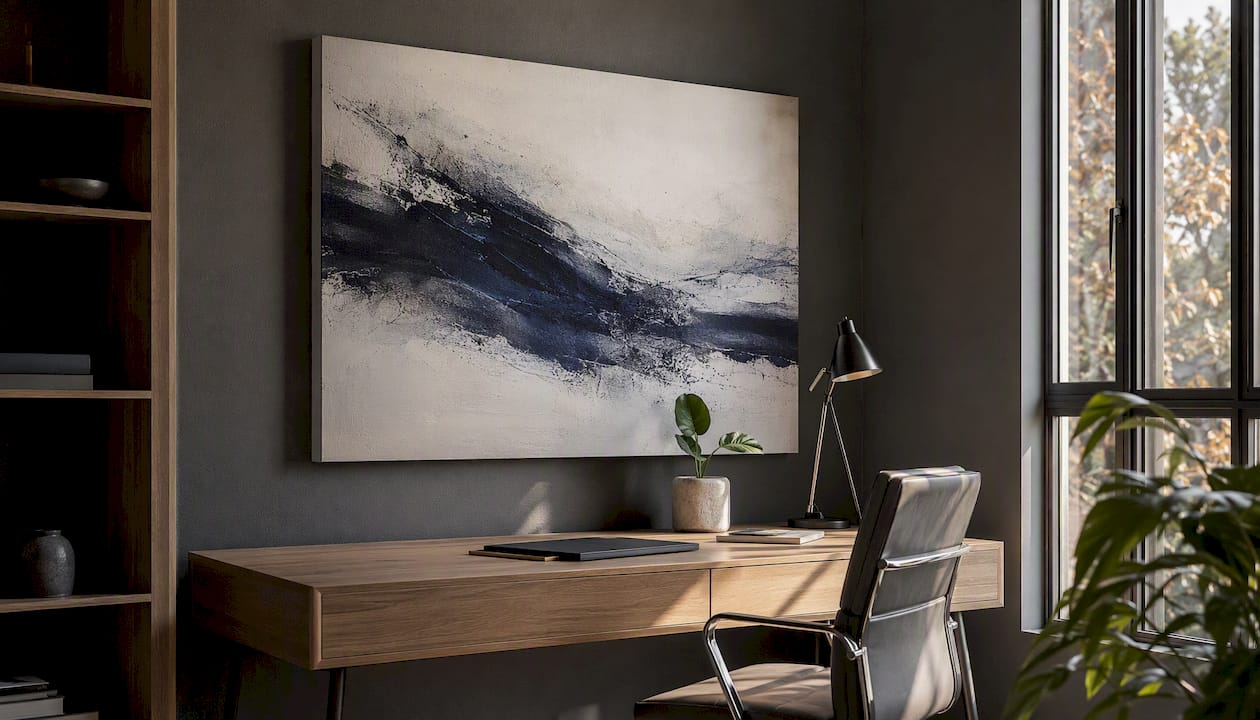
The professional illustration workflow — brief, reference, sketch, paint, export — is worth understanding even if you’re buying rather than creating. It explains why a well-made digital piece holds up at large print sizes: the artist built it at high resolution from the start, not as a web image scaled up after the fact. That distinction shows in the print.
Luxuryartcanvas’s graffiti canvas and pop canvas art collections are built for exactly this kind of statement placement — museum-quality archival prints on stretched canvas, made in the USA, ready to hang without a trip to a frame shop.
Luxuryartcanvas: ready-to-hang canvas prints for digital art buyers
Skip the file management and print-lab logistics. Luxuryartcanvas delivers over 1,000 museum-quality canvas designs — graffiti, pop art, and luxury-brand-inspired pieces featuring Chanel, Louis Vuitton, and Dior — printed with archival inks on gallery-wrapped, kiln-dried frames, crafted in the USA.
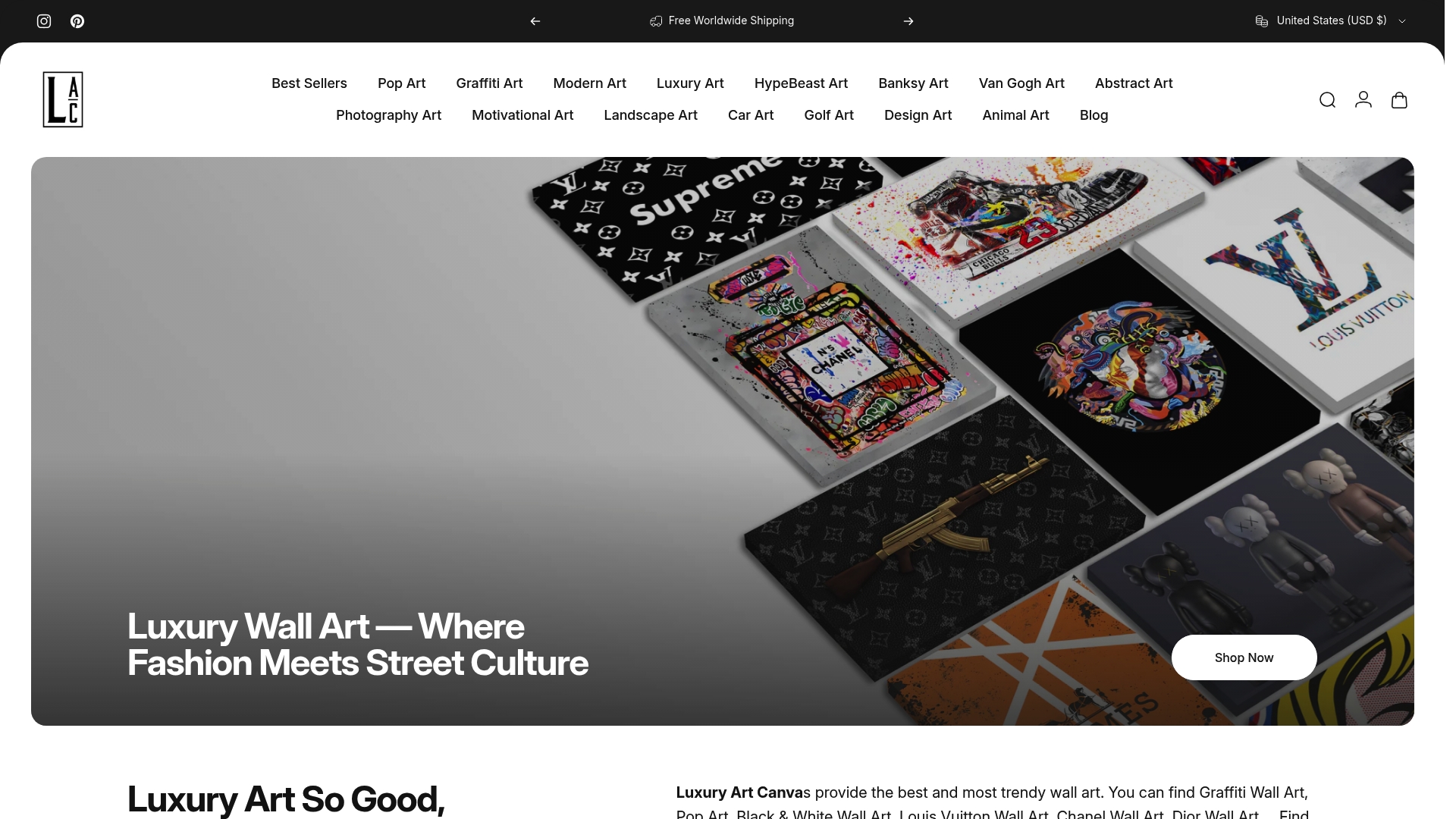
Every canvas ships ready to hang. No framing, no color-profile guesswork, no minimum order. The design catalog covers everything from bold graffiti wall art to pop art canvases in multiple sizes, with over 10,000 satisfied customers backing the quality. Browse the full collection and order directly at Luxuryartcanvas.
Sources
- What is Digital Art? | Digital Painting & Drawing Guide | Adobe
- The 5 Stages of Digital Illustration: Tips from a Marvel Artist
- Digital art | Tate
- Illustration :: Digital Art
Always check the licensing page and individual artist profile on any portfolio site before downloading or using an image commercially. Platform-level permissions rarely tell the full story.
How Street Art Became Fine Art: History and Market Forces